Get an email when someone subscribes
Get an email yourself whenever a shopper signs up for a back in stock alert.
-
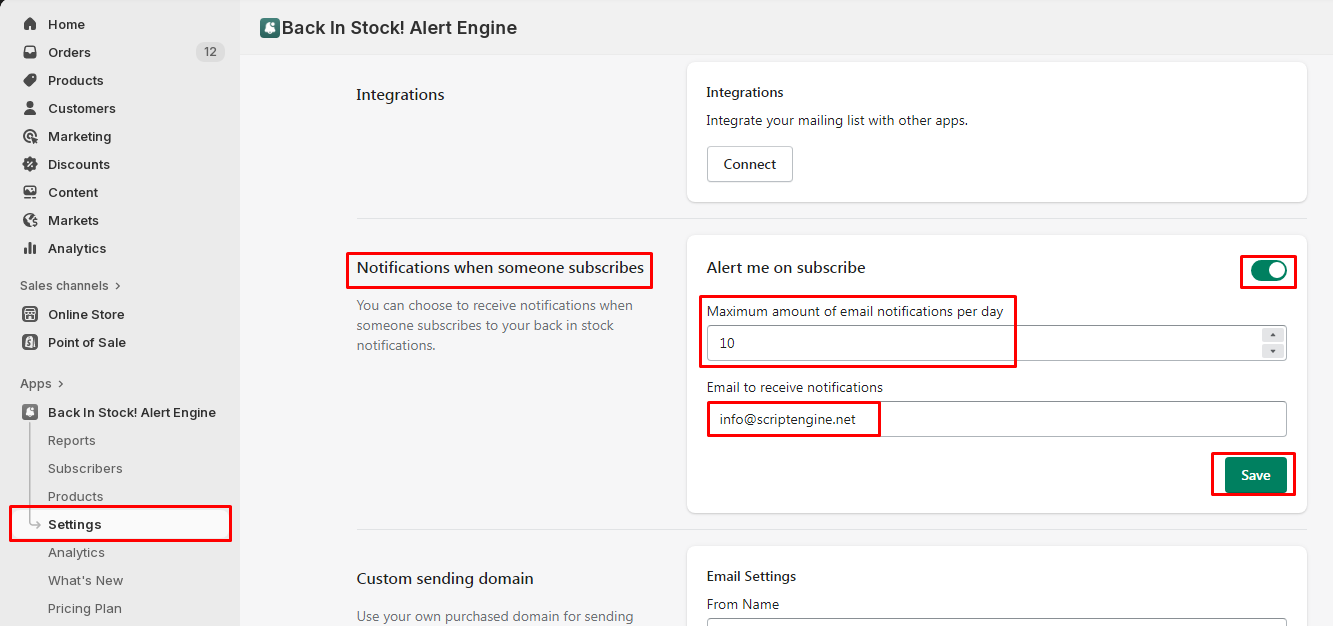
In the app, go to Settings and find Notifications when someone subscribes.
-
Turn on Alert me on subscribe.
-
In Maximum amount of email notifications per day, set how many of these emails you want per day at most.
-
In Email to receive notifications, enter your email address, then click Save.